母親節特惠🌷/優惠碼unblockvip可享8%的優惠

✅ Quick Answer
The UBOX 12 Pro is a one-time purchase Android TV box from Unblock Tech that delivers 4K/6K streaming, AI voice control, and access to global Chinese content — with no monthly subscription fees. Priced at $268 USD, it ranks among the top choices for overseas Chinese users in 2026, competing directly with SviCloud 10P+.
📋 In This Article
UBOX 12 Pro 2026 Overview
The UBOX 12 Pro is the 12th-generation flagship smart TV box from Unblock Tech (安博科技),a well-established brand trusted by Chinese communities worldwide. Released as the successor to the popular UBOX 11,the UBOX 12 Pro brings significant hardware upgrades, a refined Android 12 interface, and an AI-powered voice remote —all packaged at a competitive price point for 2026.
Whether you’re living in the US, Canada, Australia, or Europe, the UBOX 12 Pro review 2026 reveals a device designed to keep you connected to Chinese dramas, news, live sports, and entertainment —without recurring monthly fees. At USD $268, the UBOX 12 Pro positions itself as a premium yet accessible alternative to expensive cable subscriptions or streaming platforms.
In this comprehensive UBOX 12 review, we’ll detail its hardware specifications, guide you through the setup process, and help you decide if it’s the right TV box for your home.
Hardware Specs & Technical Details
The UBOX 12 Pro is built around the Allwinner H618 flagship processor, a quad-core ARM Cortex-A53 chip optimized for smooth multimedia playback and app multitasking. Combined with 4GB of DDR4 RAM and 64GB of eMMC storage, the device handles app switching, HD streaming, and side-loading with ease — a meaningful step up from its predecessor, the UBOX 11.
UBOX 12 Pro Full Specifications
| Specification | Details |
|---|---|
| Model | UBOX 12 Pro (12th Generation) |
| Processor | Allwinner H618 Quad-Core ARM Cortex-A53 |
| Operating System | Android 12 |
| RAM | 4GB DDR4 |
| Storage | 64GB eMMC |
| Video Output | True 6K / 8K Ultra HD + HDR10 |
| Wi-Fi | Wi-Fi 6 Dual-Band (2.4GHz + 5GHz) |
| Ethernet | 1000M Ethernet Port (Gigabit) |
| Bluetooth | Bluetooth 5.2 |
| Ports | HDMI 2.1, USB 2.0 ×2, AV, TF Card, DC Jack |
| Remote | AI Voice Remote (Chinese + English) |
| Multi-Language UI | Traditional Chinese, Simplified Chinese, English, Japanese, Korean, Spanish |
| Power Supply | DC 5V / 2A |
| Dimensions & Weight | Compact design, ~150g unit weight |
Top 8 Features of UBOX 12 Pro
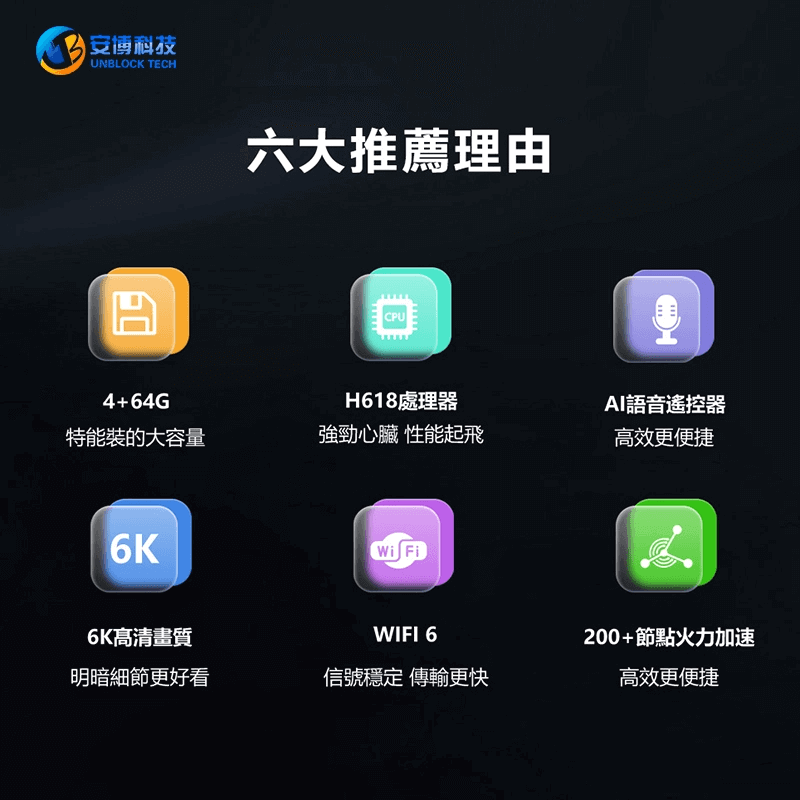
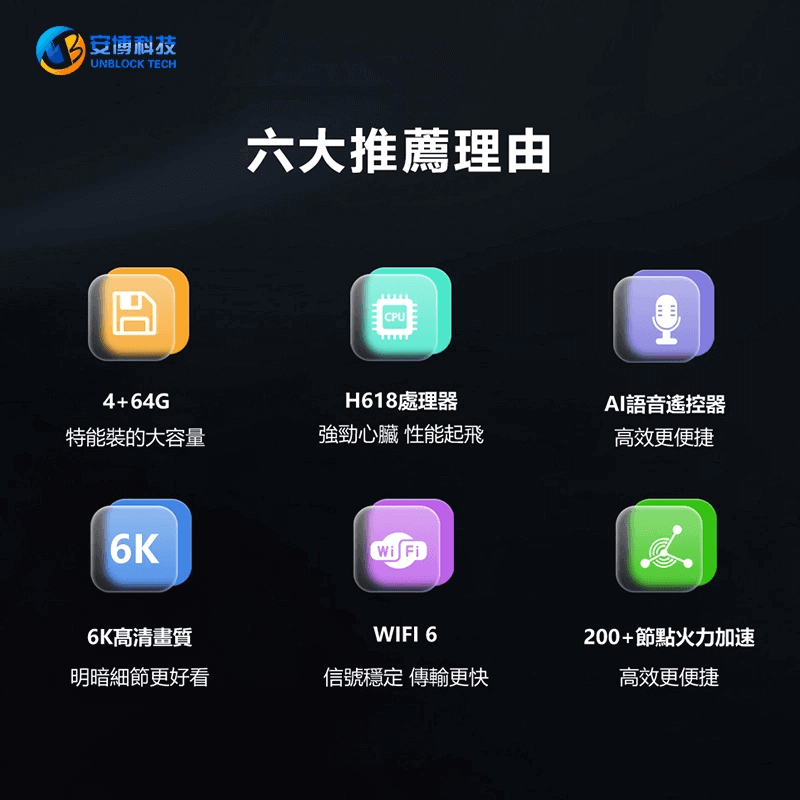
The UBOX 12 Pro brings a suite of features that target both performance enthusiasts and casual viewers. Below is a breakdown of the most noteworthy UBOX 12 features that set it apart from previous generations and competing products in 2026.
🧠
H618 Processor + Android 12
The flagship Allwinner H618 chip delivers smooth app launches, fast channel switching, and stable long-session performance without lag.
📺
True 4K / 6K Ultra HD + HDR
Crystal-clear picture quality with high dynamic range support on compatible 4K/6K displays. Future-proof video output.
📶
Wi-Fi 6 Dual-Band
Next-gen Wi-Fi 6 technology eliminates buffering in busy home networks. Supports both 2.4GHz and 5GHz bands for flexibility.
🌍
200+ Global CDN Nodes
Unblock Tech’s proprietary network of 200+ CDN nodes worldwide ensures optimized routing and stable streaming speeds wherever you are.
🎙️
AI Voice Remote
Supports natural language voice commands in both Chinese and English. Simply say “Play drama” or “Open YouTube” — no typing needed.
💾
4GB RAM + 64GB Storage
Ample memory for multitasking between apps, streaming, and downloads without performance degradation.
🔌
Versatile Connectivity
HDMI 2.1, dual USB ports, AV output, TF card slot, and Gigabit Ethernet cover every conceivable home theater scenario.
💰
Zero Monthly Fees
One-time purchase. No subscription renewals, no hidden charges. The UBOX 12 Pro pays for itself within months versus cable.
How to Set Up UBOX 12 Pro (Step-by-Step)
Getting started with the UBOX 12 Pro is straightforward — no technical expertise required. Most users can complete the UBOX 12 Pro setup process in under 15 minutes. Follow the steps below to go from unboxing to watching your first show.
What You’ll Need Before Starting:
- A TV with a usable HDMI port (a 6K HDMI cable is included in the package)
- Network connectivity (Wi-Fi or Ethernet cable)
- A stable power outlet
Setup Steps:
- Connect UBOX 12 Pro to your TV —
Use the included HDMI cable. Plug one end into the UBOX 12 Pro HDMI port and the other into an available HDMI port on your TV (e.g., HDMI 1 or HDMI 2). - Connect to power —
Insert the power adapter into the DC jack. Select the correct plug type (US / UK / EU / AU) based on your country when ordering. - Switch your TV input —
Use your TV remote to select the HDMI source matching the port you plugged into (e.g., press the Source or Input button and choose HDMI 1). - Power on UBOX 12 Pro —
Press the power button on the device or the remote. Wait for the boot screen to load (typically 30–60 seconds on first startup). - Connect to the internet —
Go to Settings → Network. Choose Wi-Fi and select your home network (use the 5GHz band for best streaming performance), or connect an Ethernet cable directly to the Gigabit port. - Select your language —
Navigate to Settings → Language. Choose Traditional Chinese, Simplified Chinese, English, or another supported language. - Install your preferred apps —
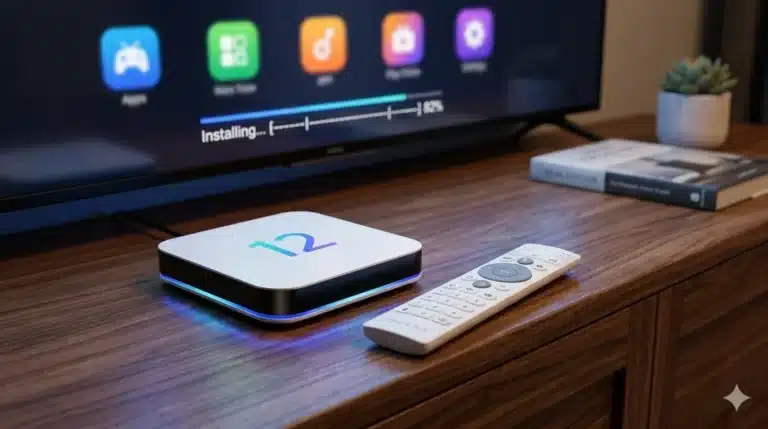
Browse the built-in app store and install your favorite streaming, news, sports, or entertainment apps. Or visit this website to install apps: www.ub6789.com - Activate the AI Voice Remote —
Press and hold the microphone button on the remote. Speak a command in Chinese or English, such as “Play Taiwanese drama” or “Open YouTube.”
✅ Expert Tip: For the smoothest 4K/6K streaming experience, we strongly recommend connecting your UBOX 12 Pro with an Ethernet cable instead of Wi-Fi—especially if your router is nearby.
This eliminates wireless interference and provides the most stable bandwidth for high-resolution content.
Pricing, Warranty & What’s Included
The UBOX 12 Pro is priced at a single one-time rate with no hidden fees.
Here’s the complete breakdown of the UBOX 12 Pro pricing, warranty coverage,
and what’s included in the box.
UBOX 12 Pro Price Breakdown
Regular Price
$359.00 USD
$268.00 USD
One-time payment
Monthly Cost
$0.00
No subscription fees
Warranty
12 Months
Factory limited warranty
What’s Included in the Box
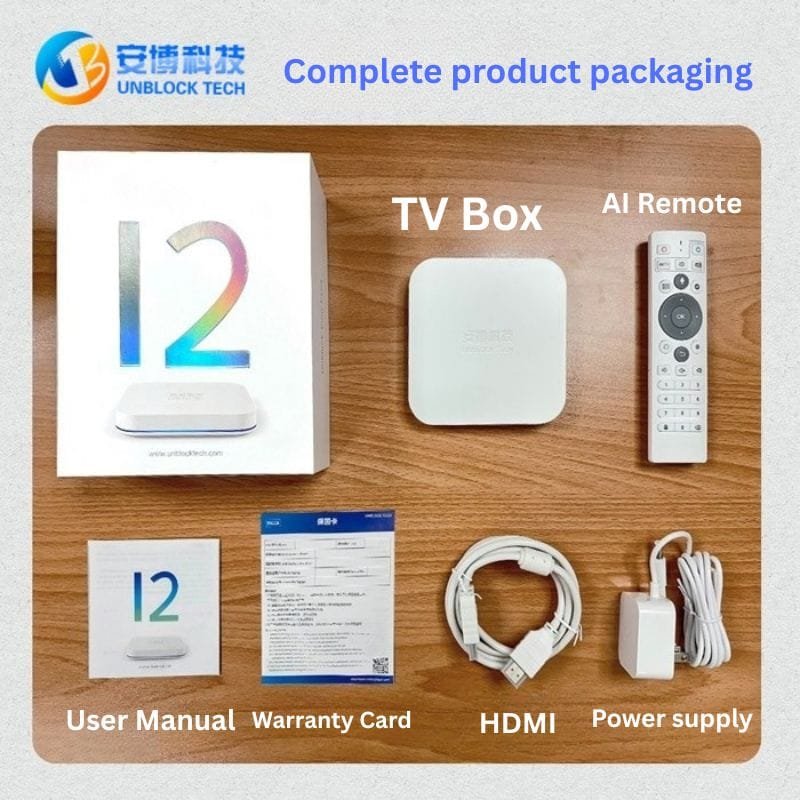
- UBOX 12 Pro main unit
- AI Voice Remote Control
- HDMI Cable (6K-ready)
- Power Adapter (select plug type: US / UK / EU / AU at checkout)
- User Manual (bilingual: Chinese + English)
- Wireless Keyboard (Limited promotional gift — while stocks last)
Payment & Shipping Options
- Accepted payment methods: Credit card, PayPal, and other secure payment options
- International shipping available to US, Canada, Australia, UK, EU, and more
- Delivery times and shipping costs vary by destination country
- Order confirmation and tracking provided via email after purchase
🎁 Limited-Time Offer — UBOX 12 Pro
$359.00 $268.00
+ Free wireless keyboard + 6K HDMI cable + remote cover
FAQ: Frequently Asked Questions
Ready to Stream Without Monthly Fees?
Join thousands of overseas Chinese families who chose UBOX 12 Pro for reliable, subscription-free entertainment.